Exploring Data Product Lifecycle Workflow
This guide demonstrates how to onboard, manage, and track data products through their lifecycle stages within Witboost.
1. Introduction
This tutorial uses the Customer Lifetime Value data product to demonstrate lifecycle management in Witboost.
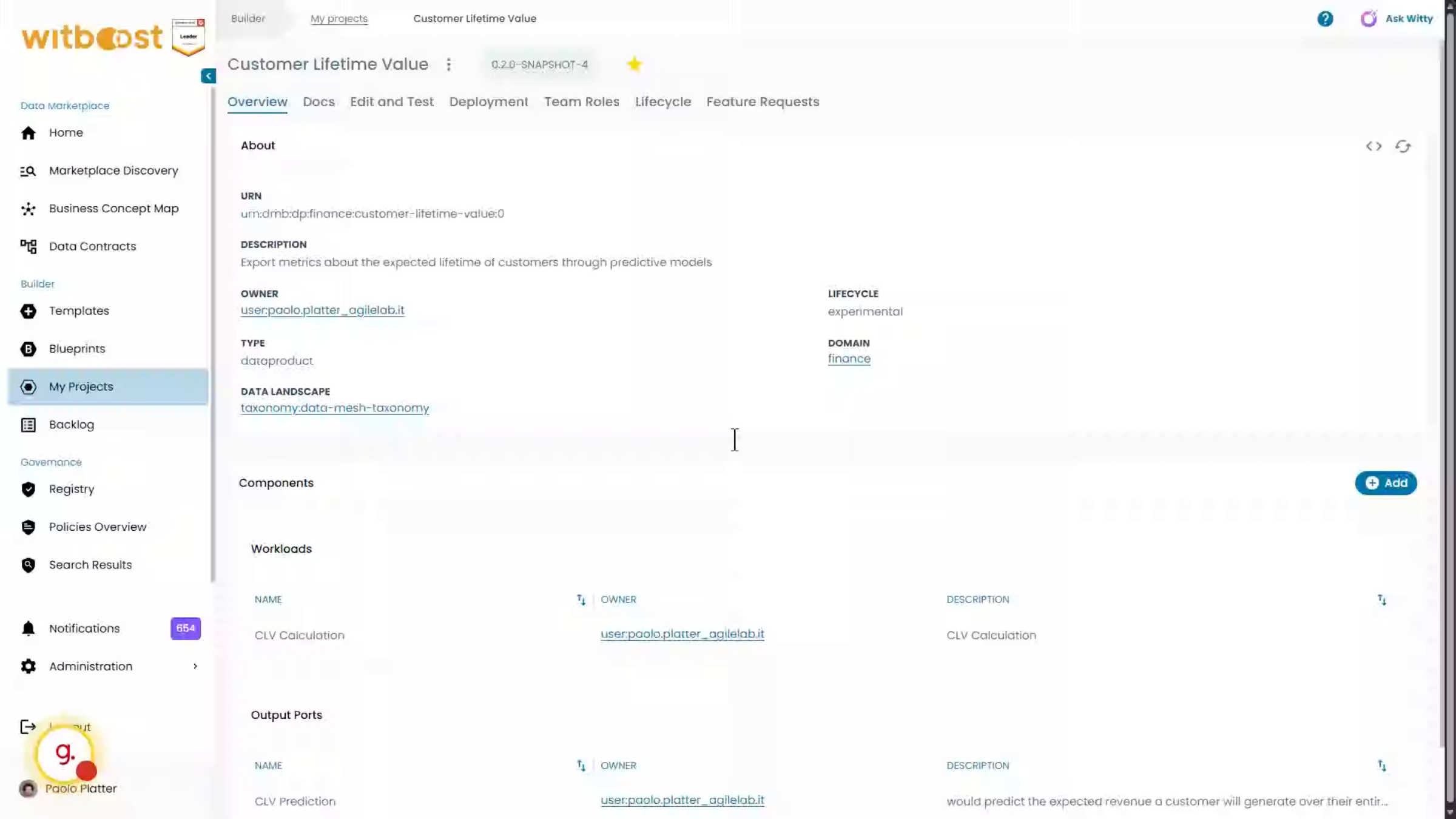
2. System not onboarded
The Lifecycle tab is available, but the data product has not yet been onboarded into the lifecycle workflow.
3. Workflows Administration
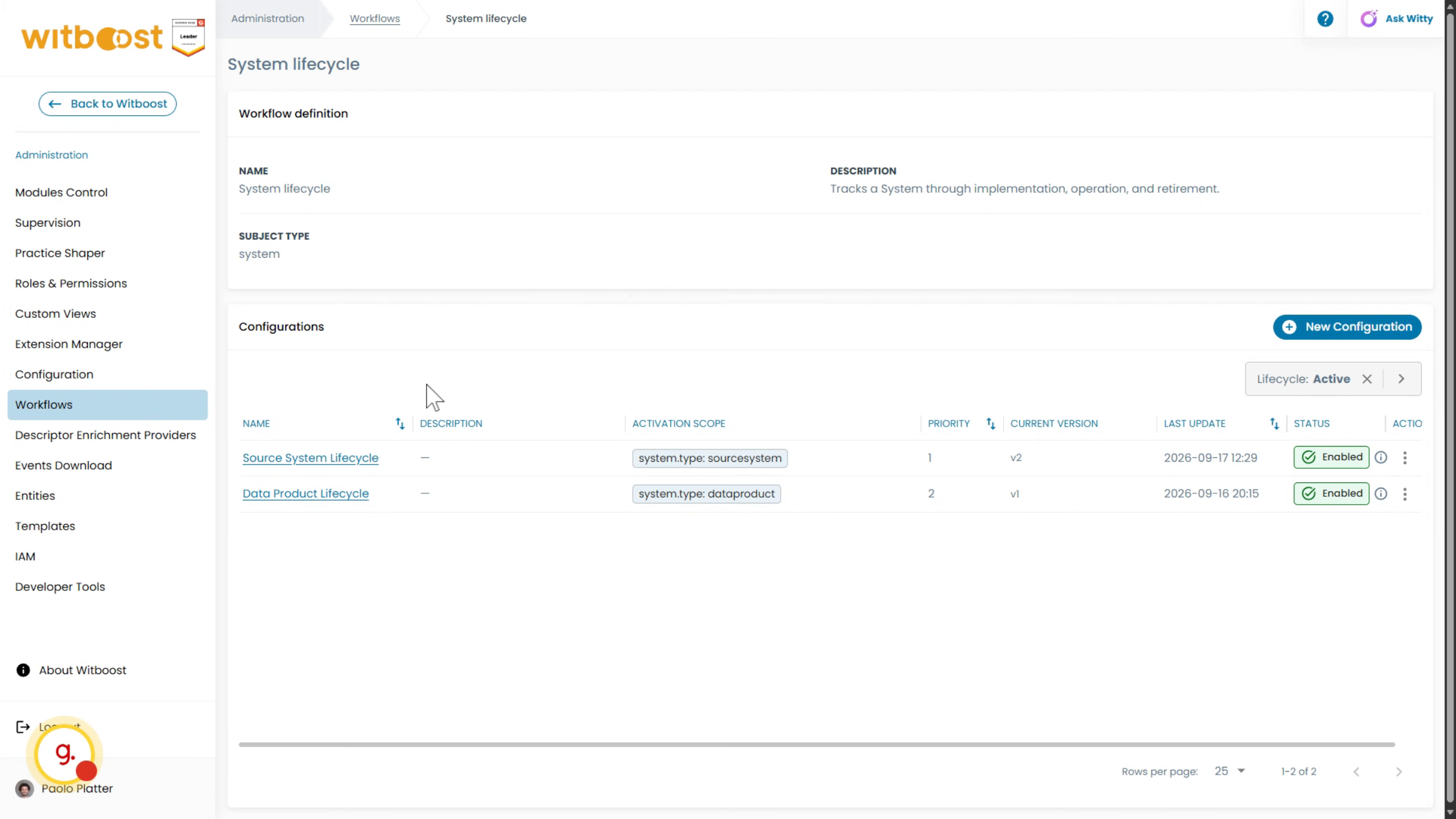
Open the Administration area to view the available workflows. The system lifecycle workflow supports separate configurations for different system types and products.
4. Workflow Instances
The Data Product Lifecycle workflow currently has three active instances. The Customer Lifetime Value data product is not listed, so it must be onboarded to enable lifecycle management.
5. Onboarding
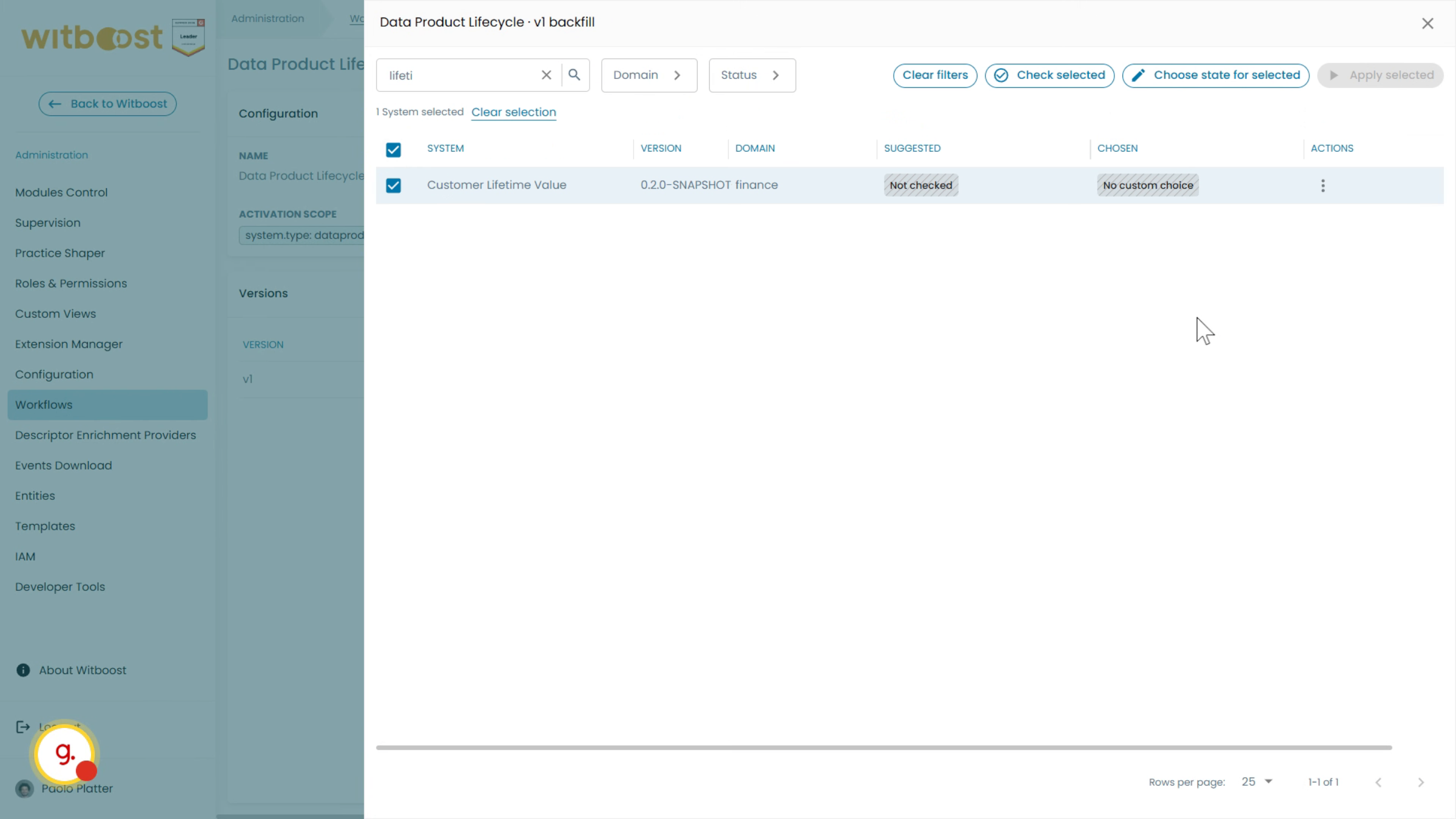
Witboost detects that the data product is deployed in production and suggests the corresponding lifecycle stage. Apply the suggested stage to complete the onboarding process.
6. Verification
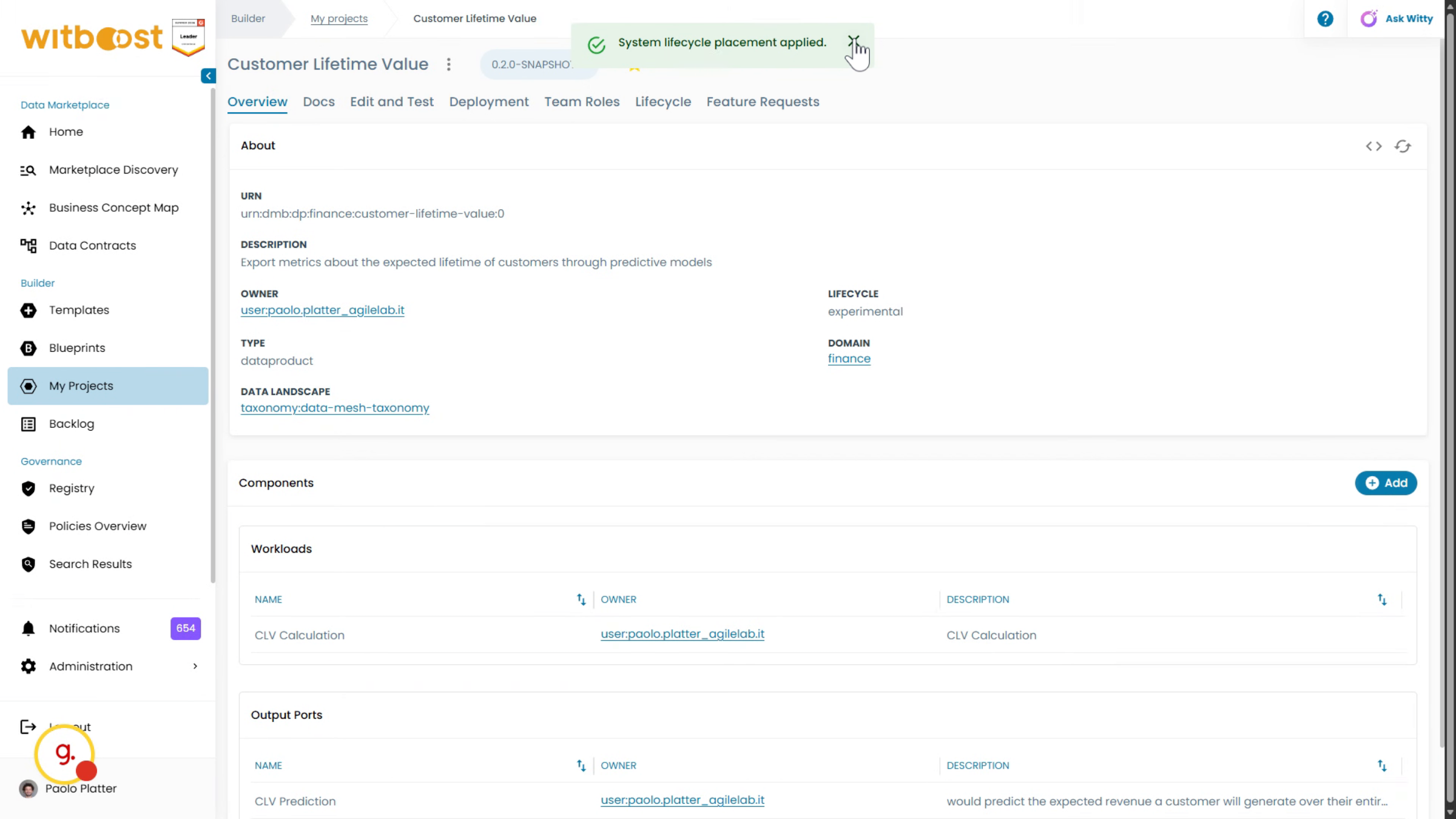
Return to the Customer Lifetime Value data product to verify its lifecycle status.
7. Data product check
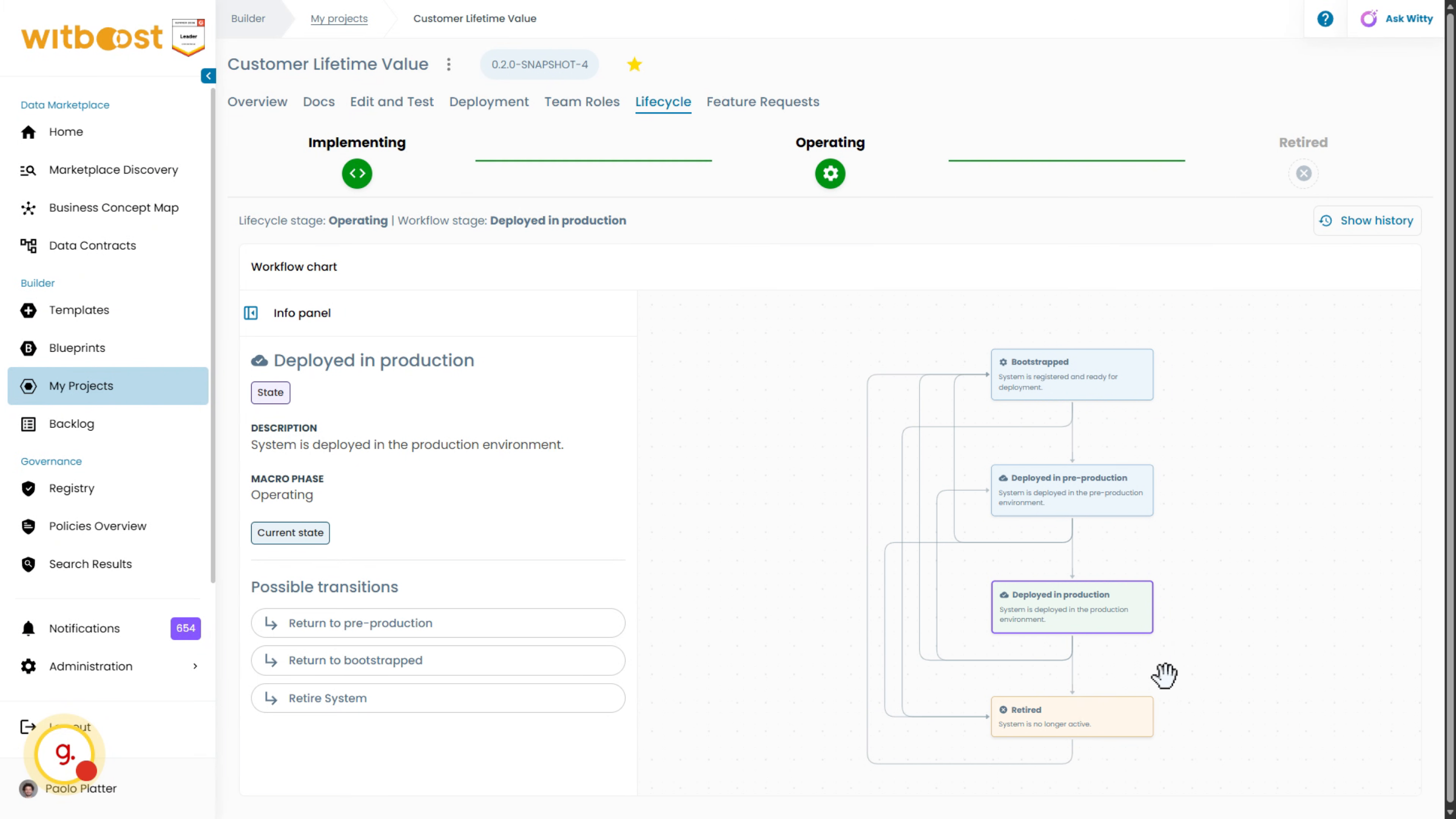
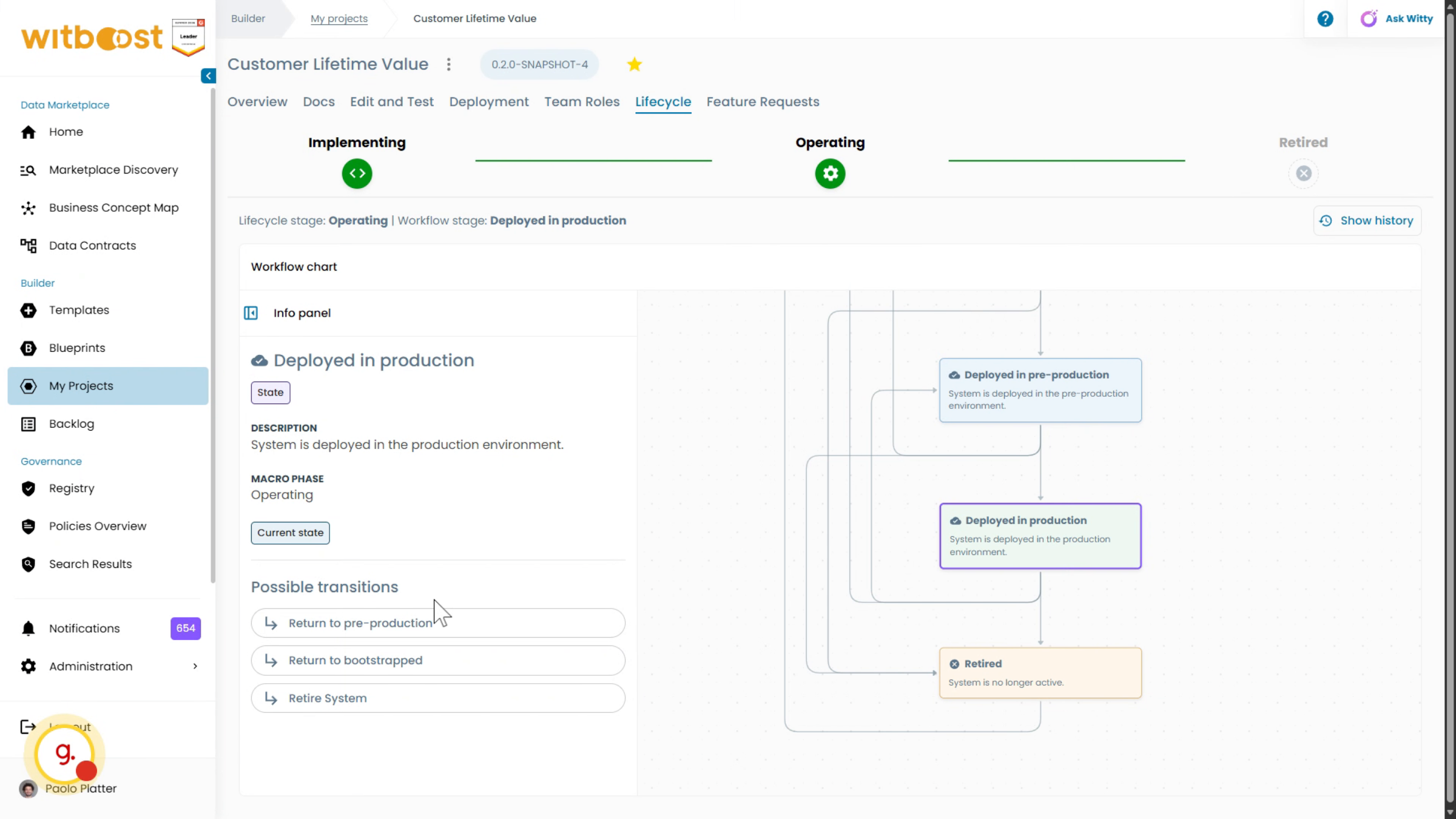
The Lifecycle tab now shows the data product in the Operating macro phase, specifically in the Deployed in Production stage.
8. Transitions
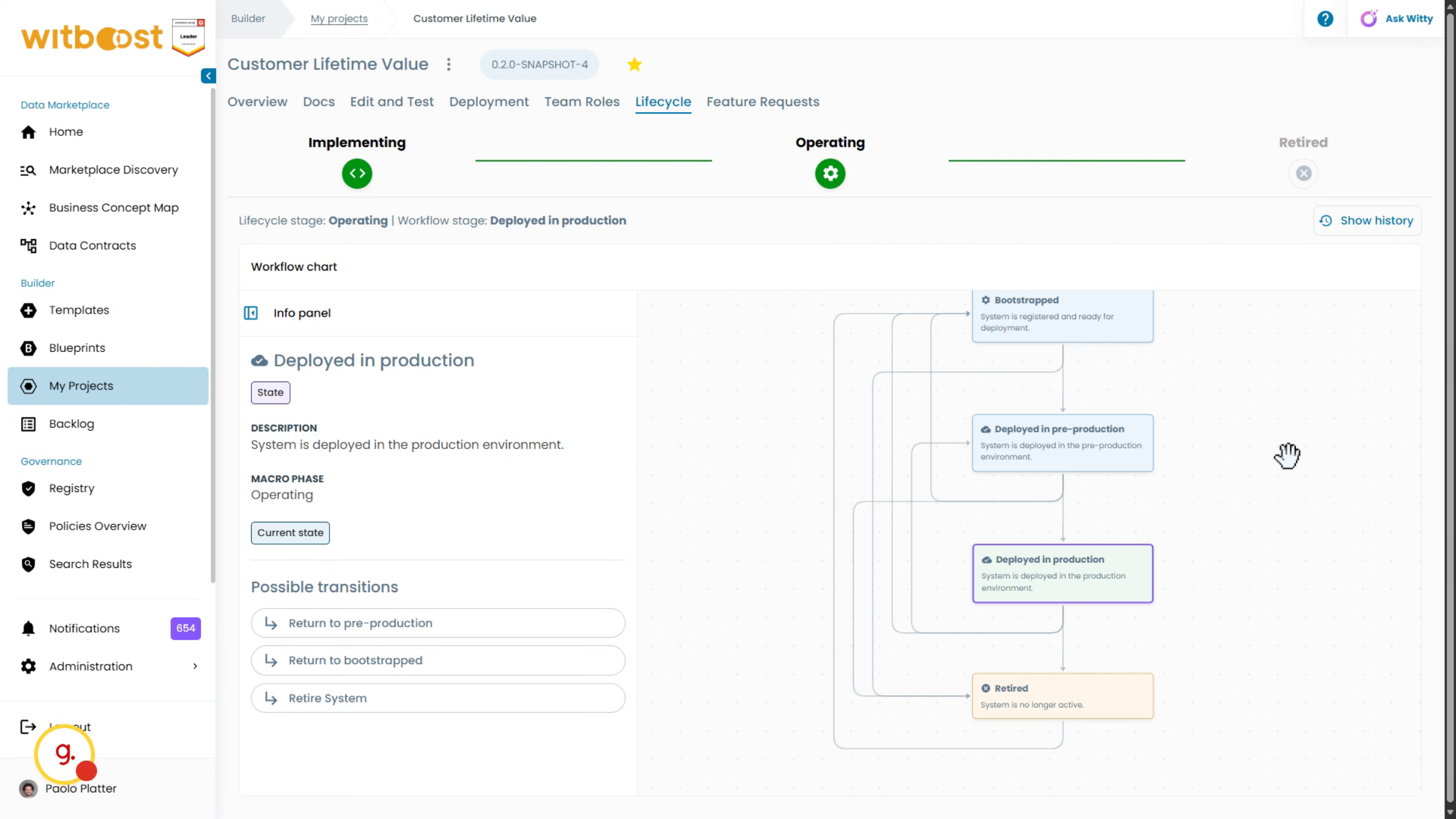
The Lifecycle tab also displays the workflow definition and the transitions available from the current stage.
9. Possible Transitions
From the production stage, the data product can move back to pre-production or bootstrap, or it can be retired. These transitions are fully customizable.
10. Undeploy from Production
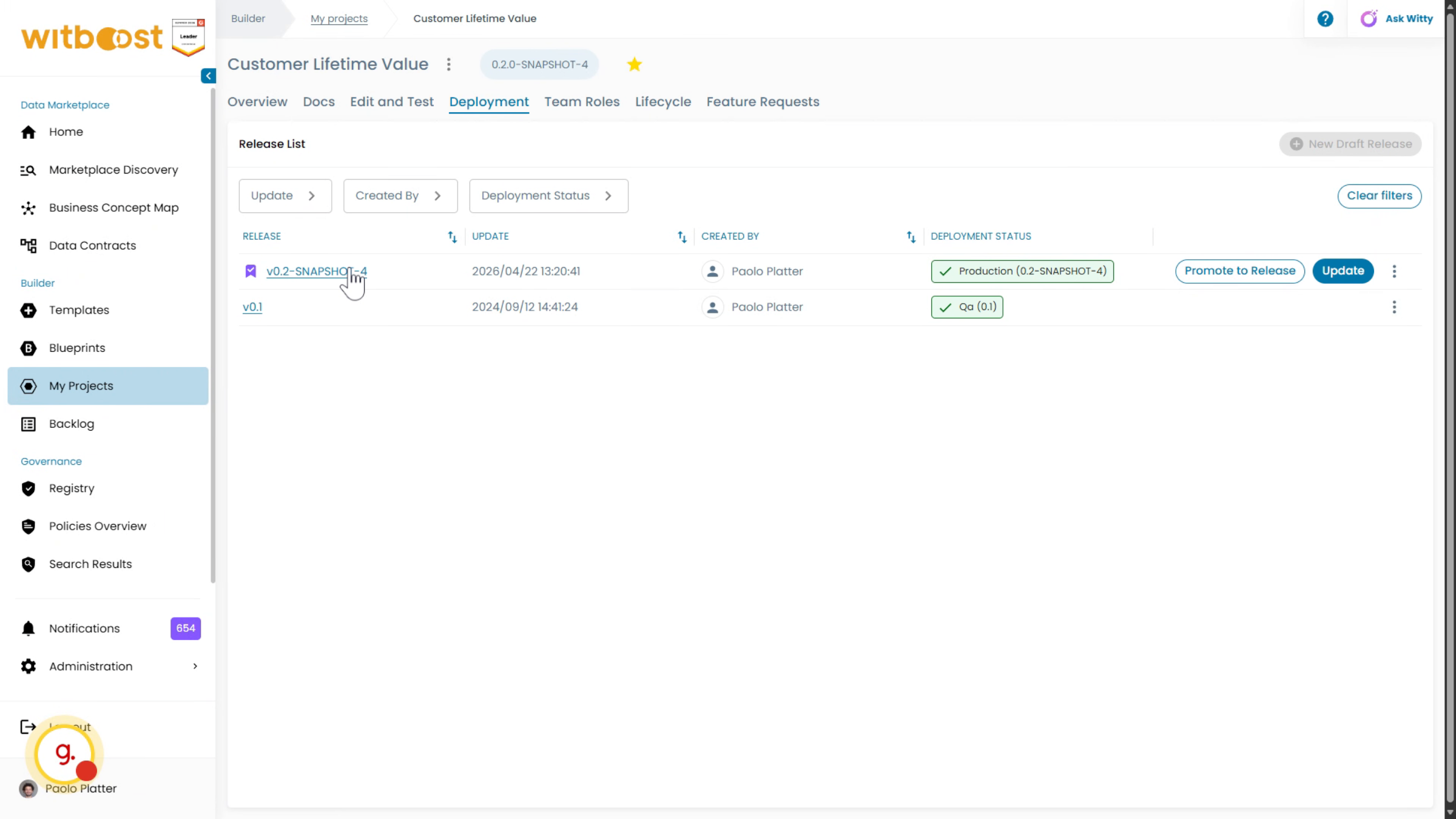
The deployment panel confirms that the data product is deployed in production. Undeploy it to observe how this operation affects its lifecycle stage.
11. Lifecycle automation
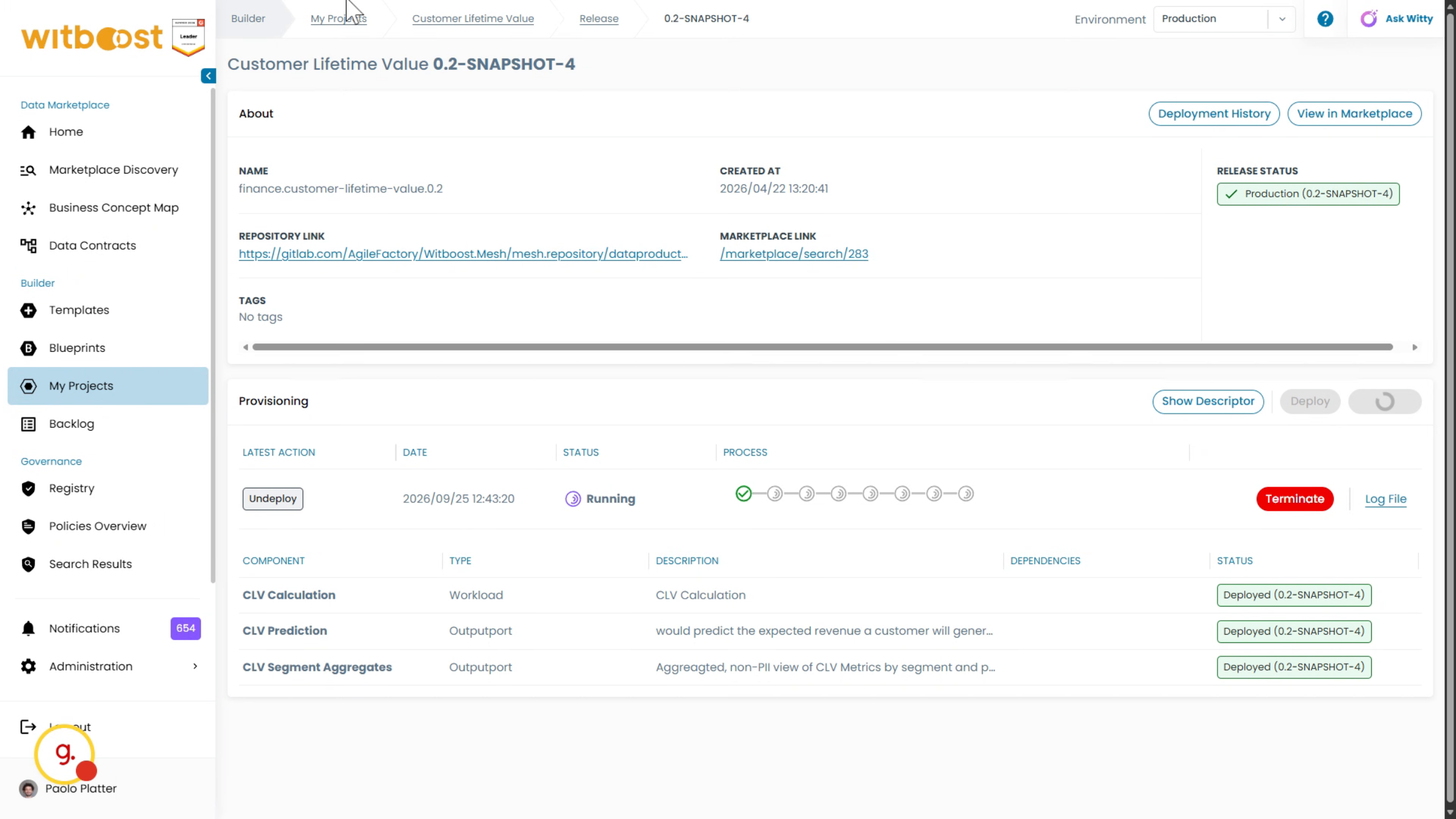
Lifecycle management is linked to development and operational activities within Witboost, so lifecycle stages do not need to be updated manually. After the undeployment completes, the data product is no longer deployed in production.
12. Deployment status changed
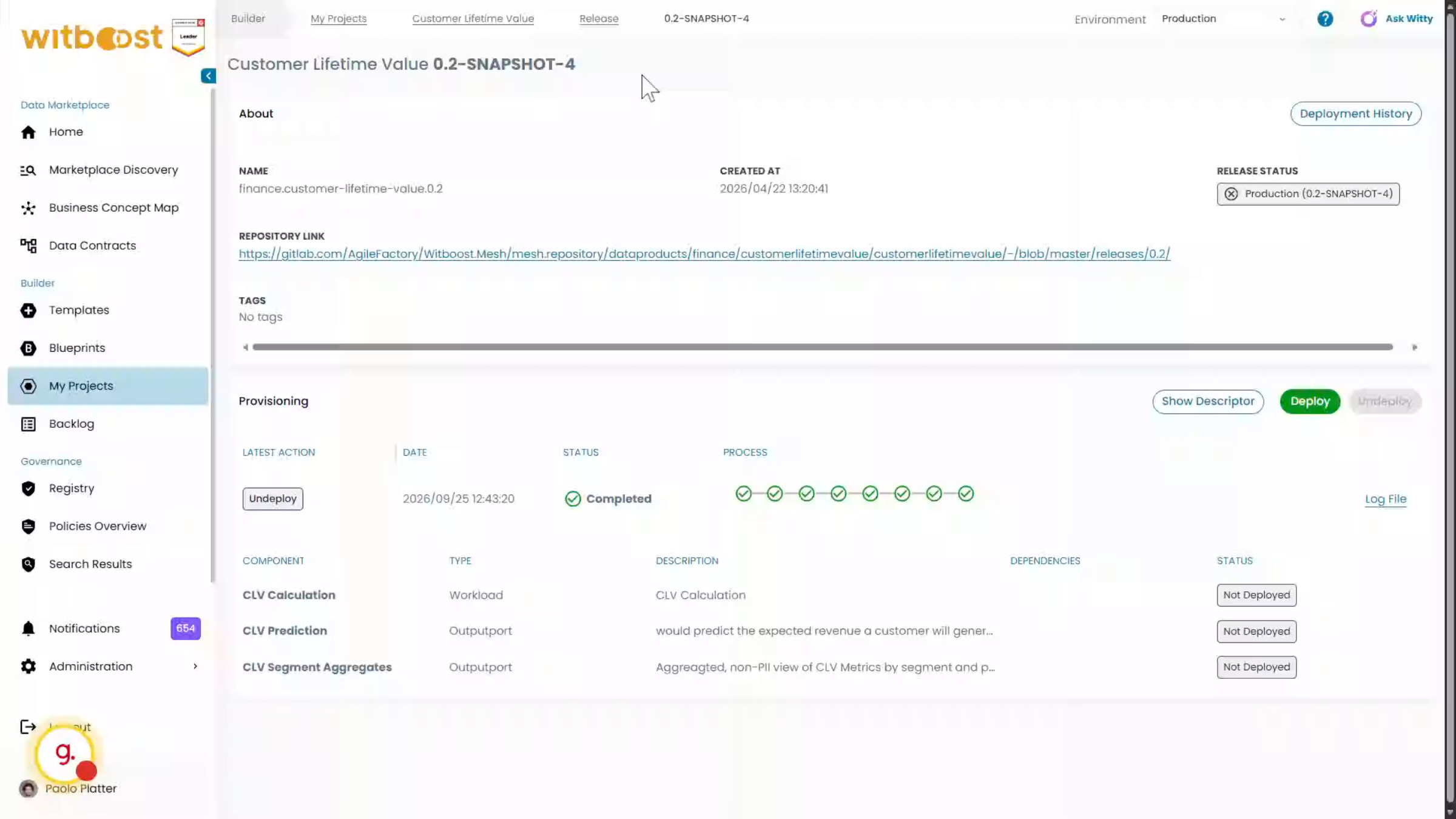
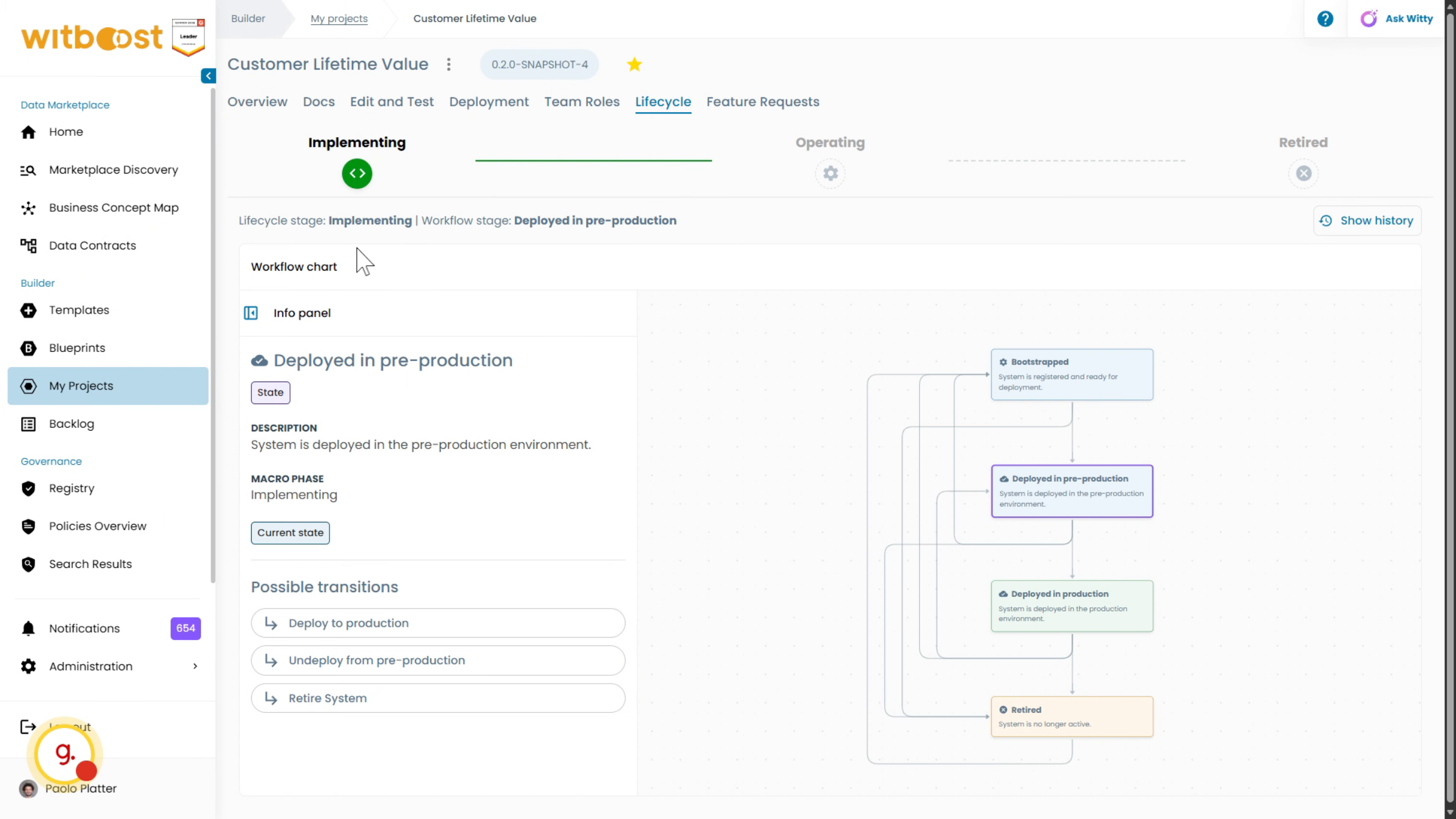
The release is now deployed only in the quality assurance environment. As a result, its lifecycle has moved from the Operating macro phase to Implementation.
13. Lifecycle changed
Lifecycle management provides a clear view of the current state of every data product across the landscape.
14. Lifecycle overview
The active instances now include the Customer Lifetime Value data product. The overview shows the current stage of each data product and provides lifecycle statistics.
This tutorial demonstrated how Witboost automates data product lifecycle management by keeping lifecycle stages synchronized with platform operations.